
Double Cheeseburger, Medium Fries
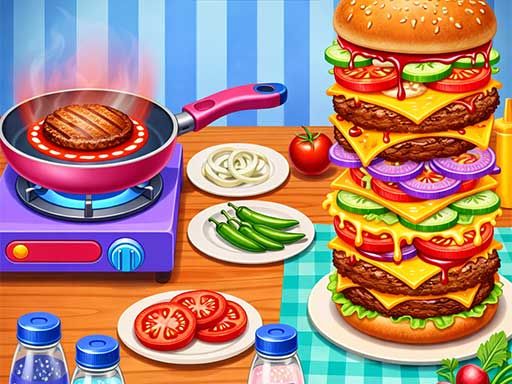
Let’s get started with the basics of running your very own burger restaurant. You’ll begin by choosing between two exciting modes: Story and Endless. We recommend starting with Story mode to get a feel for how things work.
To start your day, simply clock in by clicking on your time card and swiping it through the machine. From there, customers will start placing orders, and it’s up to you to get their food made:
- To make a delicious burger, click on the spatula and use it to flip the patty so the pink side is facing the grill. Once it’s cooked, you can assemble it with the toppings the customer requested.
- For fries or crispy chicken, click on the basket and drag it into the fryer. Keep an eye out for the smoke signal, then click to grab the basket handle and drag it back to dump it.
- To whip up a cold soda, click on the cup and slide it underneath the specified color the customer wants to drink. You can tell which soda they’re craving from the symbol or color.
- For an ice cream cone or sundae, click and hold to turn on the ice cream machine. Slide your mouse to get the perfect amount of ice cream on the cone or bowl.
- To top off an ice cream sundae, click on the highlighted ingredients and drag them over the ice cream.
Once the order is complete, click the bag and drag it to the right to serve it. When things slow down, you’ll have some time to tidy up the kitchen:
- To give the floor a good mop, click on the mop and drag it around the floor.
- To wash those dirty dishes, click on the sponge and wipe it on the dishes to clean them.
- And if there’s ever a fire, click and drag the pin from the fire hydrant and move the mouse to put out the flames.
The faster you serve your customers, the better your chances of getting one of the three amazing endings!
